Explain Any Codebase in Seconds
AI-powered interactive graph visualizations that help you understand and explain complex code.
Upload files, connect a GitHub repo, or paste raw code.
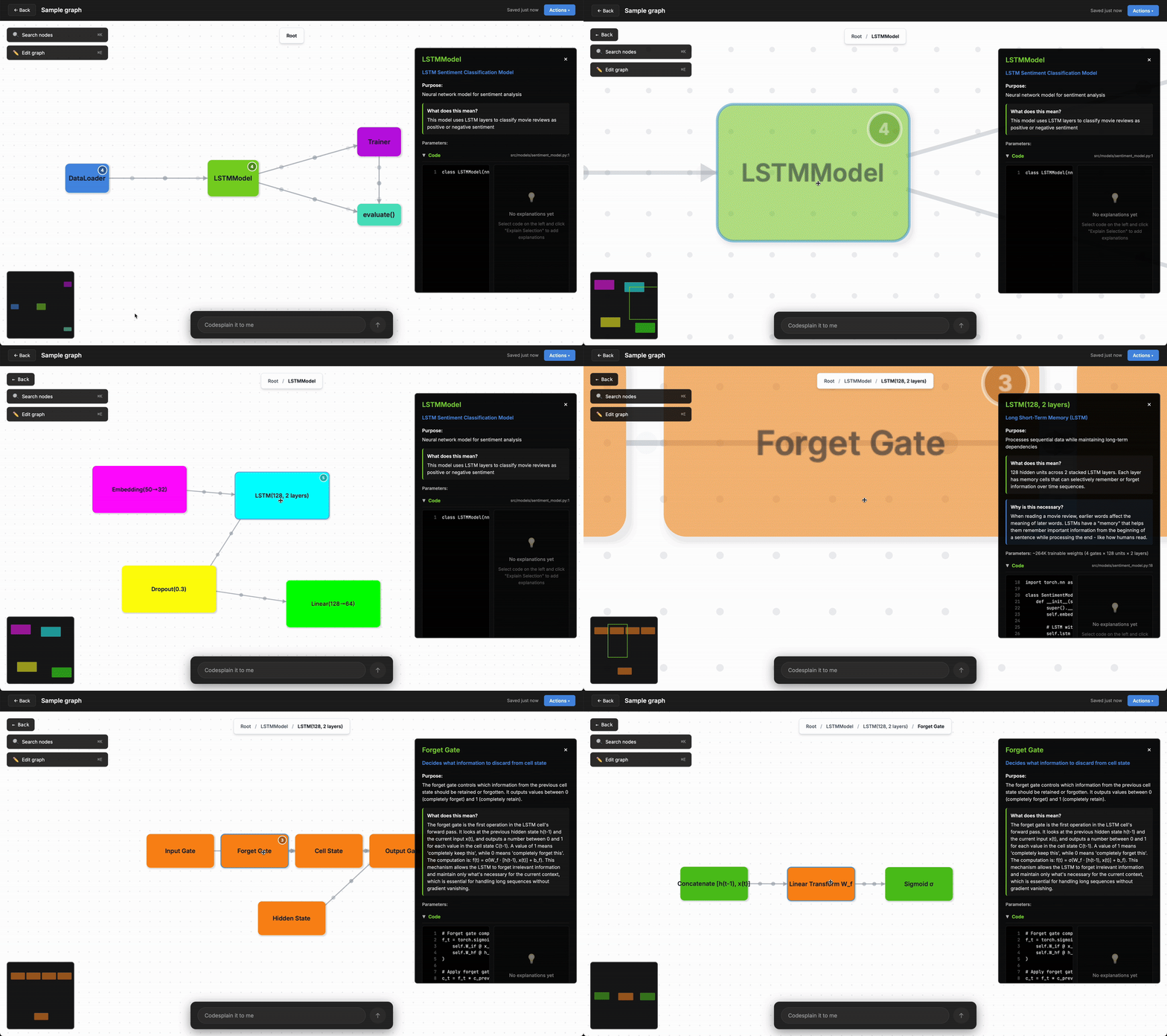
Powerful Features
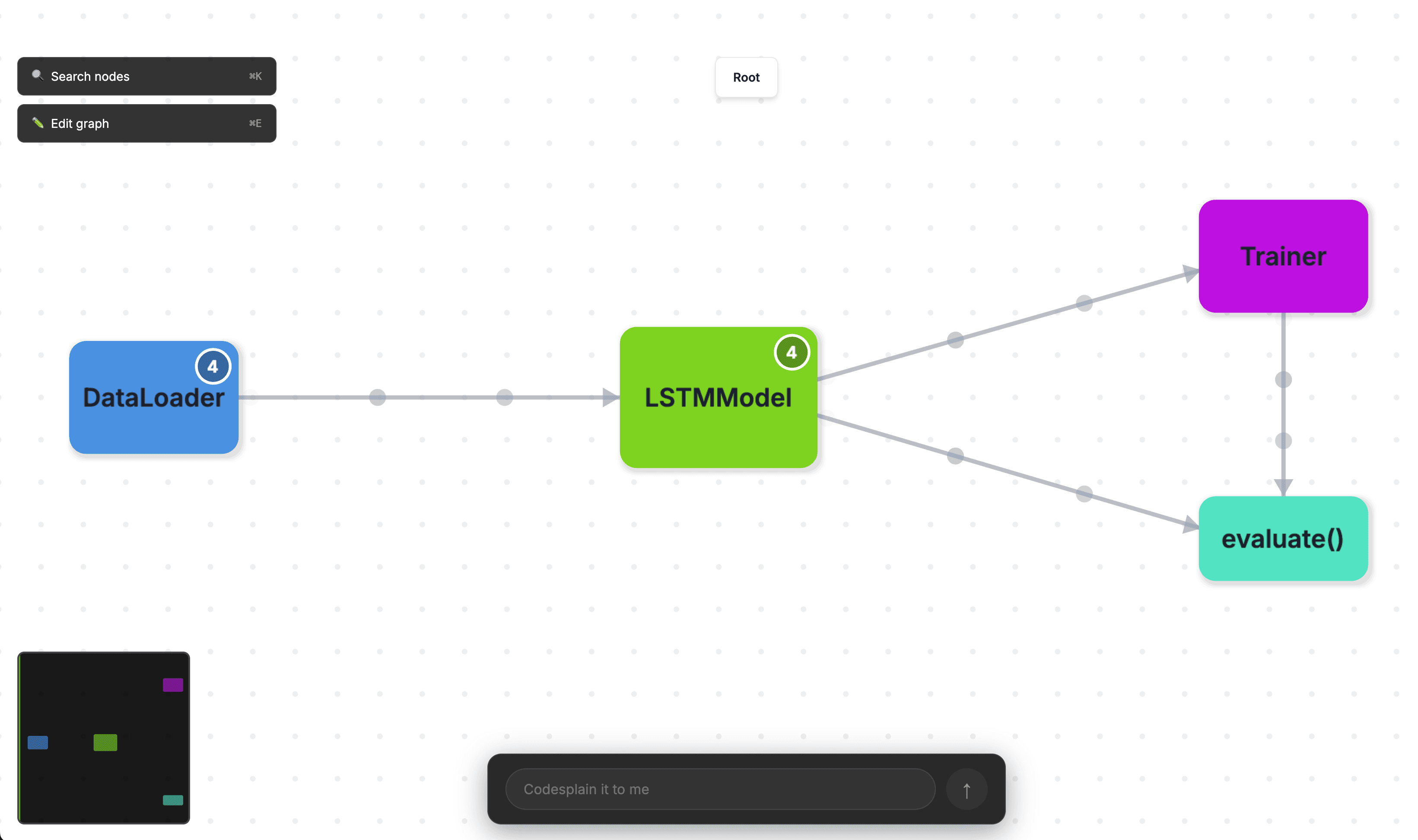
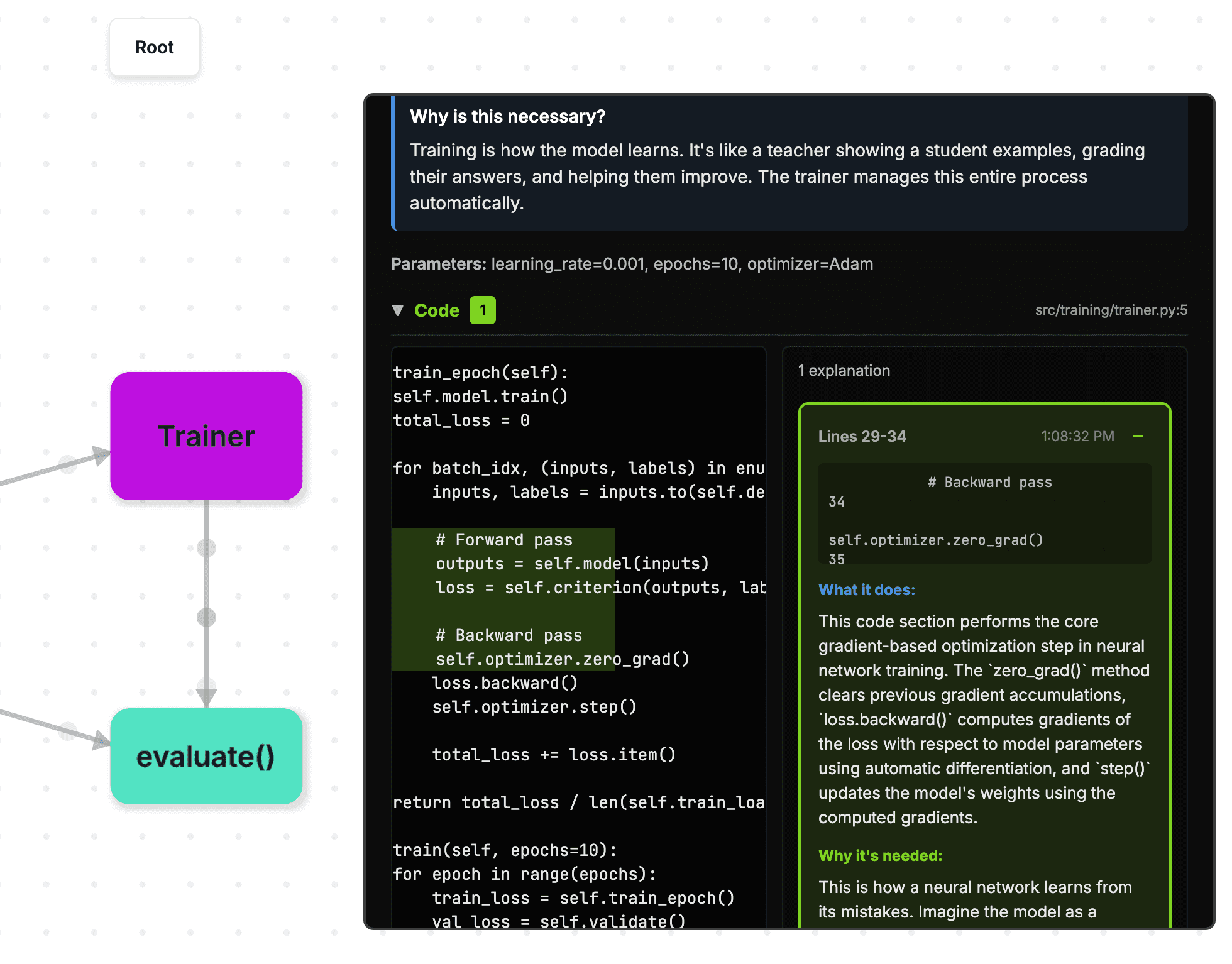
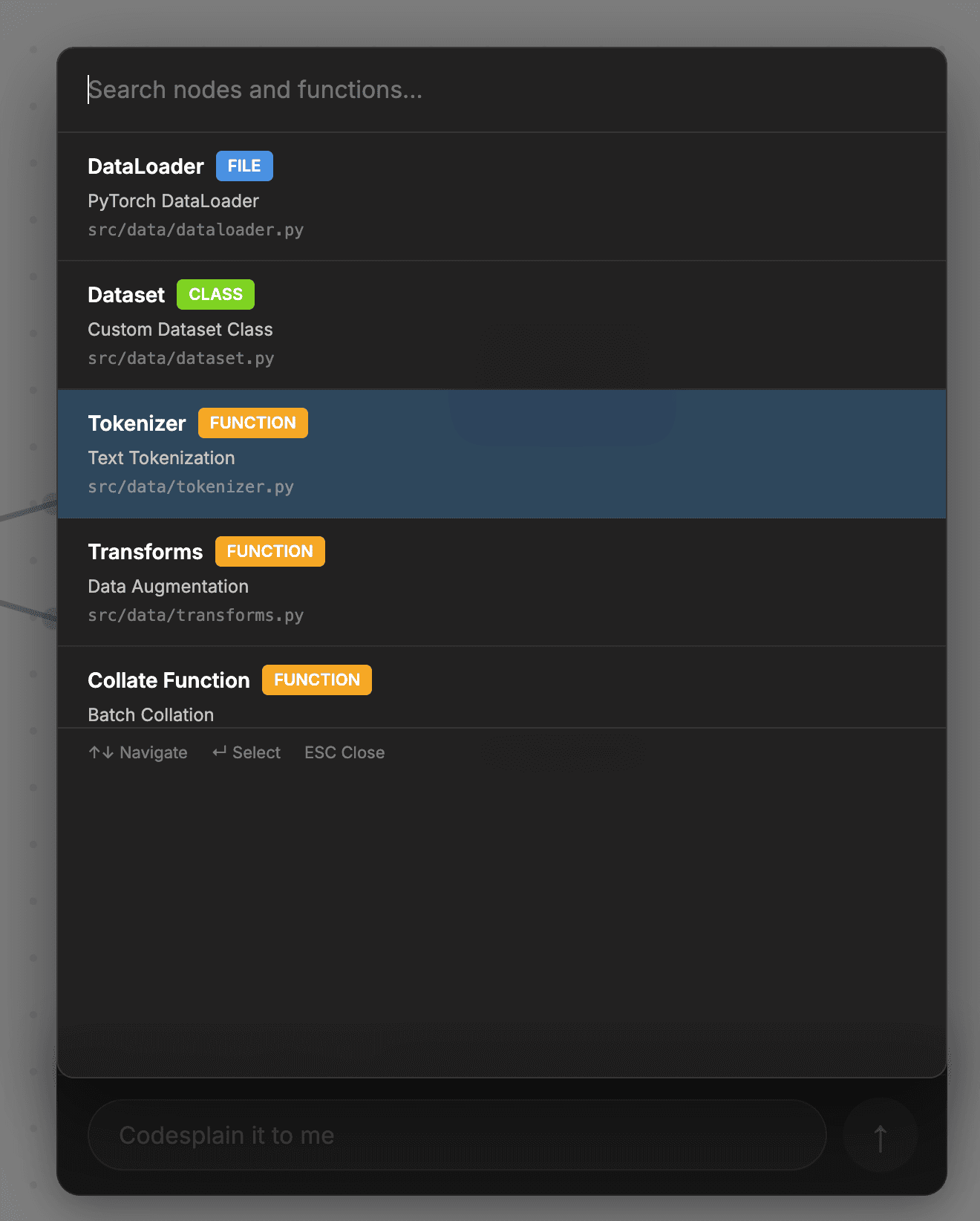


AI-Powered Analysis
Claude Sonnet 4.5 analyzes your code structure, relationships, and patterns to generate accurate, interactive diagrams automatically.
Interactive Diagrams
Zoom, pan, and drill down into hierarchies. Click any node to explore deeper levels and understand complex codebases intuitively.
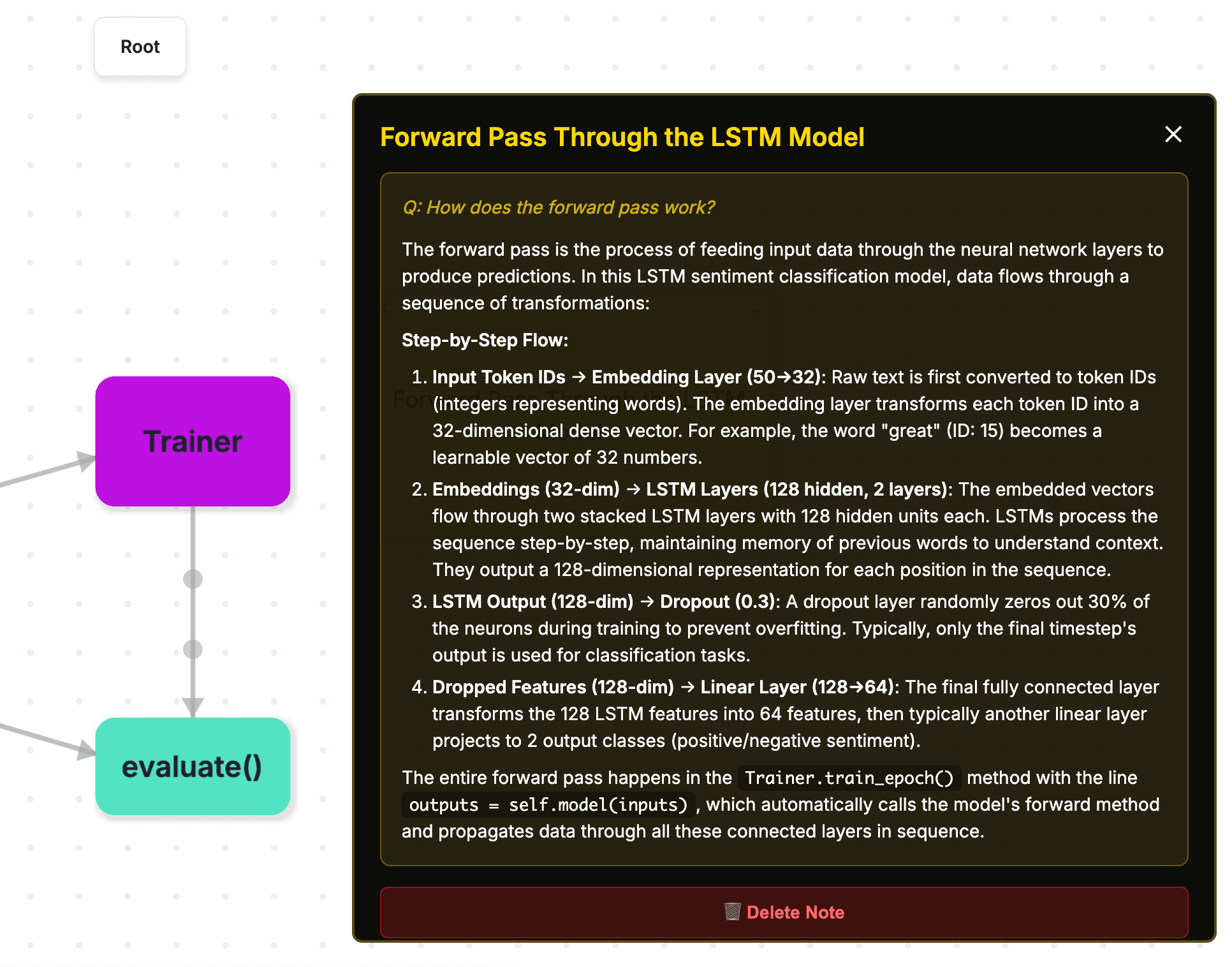
Sticky Notes
Add notes and questions directly on the diagram. Save your insights and collaborate with your team on understanding the code.
Save & Share
Save unlimited graphs with Pro. Share public links with anyone.
Private ReposPro
Connect your GitHub account to visualize private repositories. Your code stays secure and is never stored without permission.
Team CollaborationTeam
Real-time collaboration with your team. Shared workspace, activity feed, and fastest AI processing priority.
How It Works
Upload Your Code
Drag and drop files, paste a GitHub URL, or connect your repository. Supports all major programming languages.
AI Analyzes Structure
Our AI powered by Claude Sonnet 4.5 analyzes your codebase to understand relationships, dependencies, and architecture patterns.
Explore & Share
Interact with your diagram, add notes, save for later, and share with your team. Edit using natural language.
Simple, Transparent Pricing
Choose the plan that fits your needs.
Free
- ✓Public GitHub repos only
- ✓View-only shared links
- ✓No saved graphs
- ✓Standard AI speed
Explorer
- ✓Save up to 10 graphs
- ✓Public GitHub repos only
- ✓Standard AI speed
- ✓Download graph JSON
Pro
- ✓Unlimited saved graphs
- ✓Private GitHub repos
- ✓Faster AI (Sonnet 4.5)
- ✓Priority support
- ✓Download graph JSON
Team
- ✓Everything in Pro
- ✓5 team seats
- ✓Real-time collaboration
- ✓Shared workspace
- ✓Fastest AI (priority queue)
- ✓Admin controls
Frequently Asked Questions
What languages are supported?
Codesplain supports all major programming languages including JavaScript, TypeScript, Python, Java, Go, Rust, C++, and more. Our AI understands the structure and patterns of any codebase.
How accurate is the AI analysis?
We use Claude Sonnet 4.5, one of the most advanced AI models available. It provides highly accurate analysis of code structure, relationships, and architecture patterns. Pro and Team tiers get faster processing.
Can I edit the diagrams?
Yes! You can edit diagrams using natural language. Just describe what you want to change, and our AI will update the visualization accordingly. You can also add sticky notes and annotations.
Is my code private and secure?
Absolutely. Your code is only processed to generate the diagram and is not stored on our servers unless you explicitly save a graph. Saved graphs are private by default and encrypted. We never share your code with third parties.